RAW ART

RAW ART
reading & writing with art
Showing posts with label photo. Show all posts

May 14, 2015

Escher Optical Illusions Revised

So this is one I've used forever... but this year wanted to add a little something more to it.  Here is my past post for my optical illusions and power point with tutorial which is super easy for subs to use and they always turn out great:  http://artjulz.blogspot.com/search?q=optical

But this year... I wanted to go a little deeper.  Unfortunately testing hit and classes started getting canceled and I didn't get to do it the justice I really wanted...  but the concept is still there.


The students did their optical illusions as usual...then we added our Escher twist.  They traced their hand, made observations and drew the front and back of their hand exactly like their own.  Next they cut them out.  I took their photos and they cut them out in a sphere shape.  They had to create their own composition of where their hand should be place and how they should arrange their fingers to make it look as realistic as possible.  Some were great...some were good attempts.  But overall they loved them which is the most important! They also love my books!


May 17, 2013

Photography, Exercise & 2nd Grade Models


My 2nd graders took part in a  photography class with our new cameras we received from our Donors Choose grant.  I called it our photography workshop and they learned basics with our cameras.  If they completed the workshop then they were allowed to use the cameras to do this hilarious Photography ART project

April 04, 2013

Students get CREATIVE with Photography & Paint.net

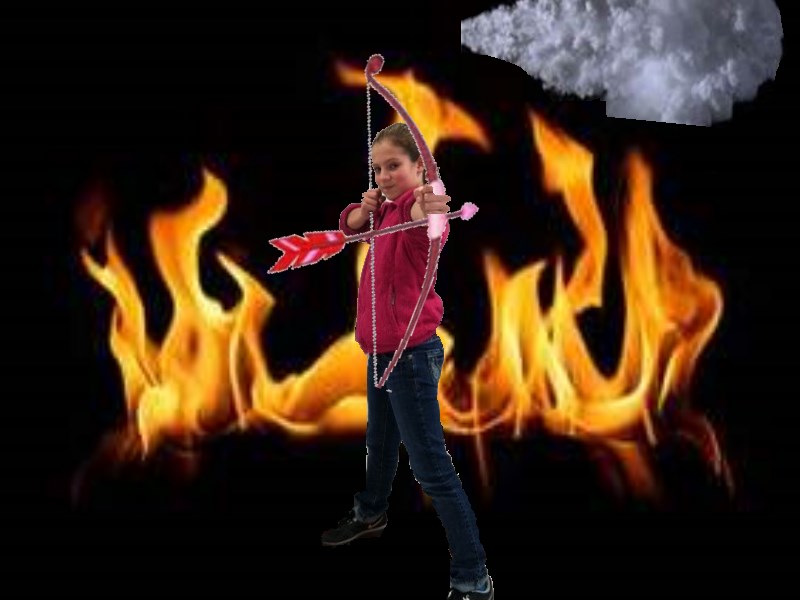
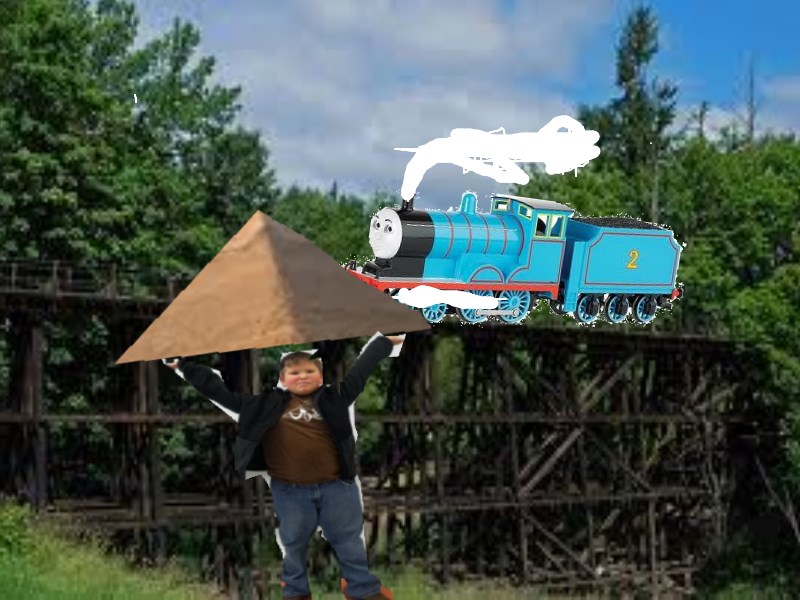
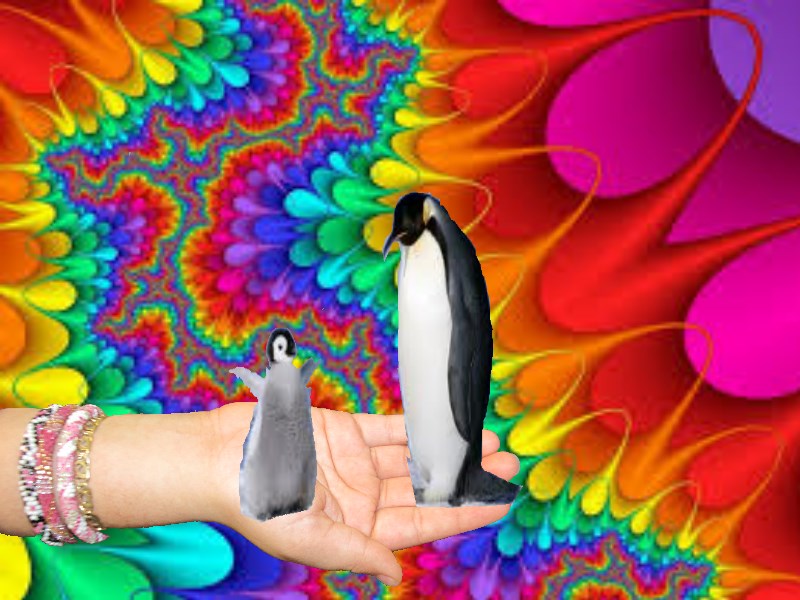
 My students AMAZE me with their creative talent!  My 2nd-6th graders have been dabbling with paint.net which is like a easy type of Photoshop.  They are getting so much better with using it each time.  This project was a bit more advanced then our previous projects.

 My students had to take photos of themselves and photos of their hand.  Next they selected a background that would fit their photo and collage it together on the computer.  They created a background, layered their photo and layered other details to make it really POP!  I just love them and we have had tons of compliments on their pieces.  Here are a few that they created.


January 10, 2013

It's a bird, it's a plane, no it's my ART SUPERHEROS!

 So Loving This!  At the Arkansas Art Educators Conference I attended a session on paint.net.  It has some similar components to photoshop but it has a free download and seems to be easier for students to use.
 Ok... this was my first experience at using my new friend paint.net so I have a long way to go I know, but it was super fun. I did this first with my afterschool digital art class of 3rd-6th graders.  We did a quick look at the site that I had downloaded in our lab at school.  We took headshot photos of each of my students.  They learned how to design the background and tools for editing.  They learned how to take images and overlay them after cutting and cropping.  Our next piece was to add text, but unfortunately time was not our friend.  It took us 3 class periods to complete just this piece, but by our final class they had the hang of it and were ready to do more!  I am planning to try it again with my 6th graders this 9 weeks and try a different lesson.  My fingers are crossed and the students can't wait!  Below is a quick you tube video link that shows you some basic tools of paint.net as well as the site for the free download.  The download site has random download buttons so be sure you just click the one you need.

Click below to watch a quick how to video to showcase some of the tools on the site.


November 08, 2012

Zoom! Istvan Banyai


Zoom is one of my favorite wordless books!  Istvan Banyai takes the reader on a journey through a series of "zoomed" illustrations as four of the pages below show.  The book is cleverly designed and my students love making predictions and following the story.  My classes made up the story to go with the book and my digital art class used photographs and mirrored the book by creating 4 of their own zoomish photos and displayed them together. 


Here my students took photo's of themselves to be part of the title of the book!


September 17, 2012

The Egyptian Experience


We just completed our Egyptian Experience by making self portraits with Egyptian Headdresses, Cartouches and Egyptian Hieroglyphs!  Thanks to Georgetown Elementary blog, http://josettebrouwer.edublogs.org/2012/05/16/third-grade-egyptian-portraits/, Kindergarten - 2nd grade used their great ideas of using student photography to create our pieces.  We were also studying line so each class made borders around their pieces to incorporate line design around their art.
3rd-4th grade used water colors to create hieroglyphs and 5th-6th painted canvas Cartouches. 


One of my students was so inspired he went home and created these awesome pyramids using cardboard glued together and sand from his sandbox out back!  Super Cool!